
Launch Platform
The gateway between dimensions. Needs a solid 6x6 area below it and open space above. The rocket is assembled at its front console.
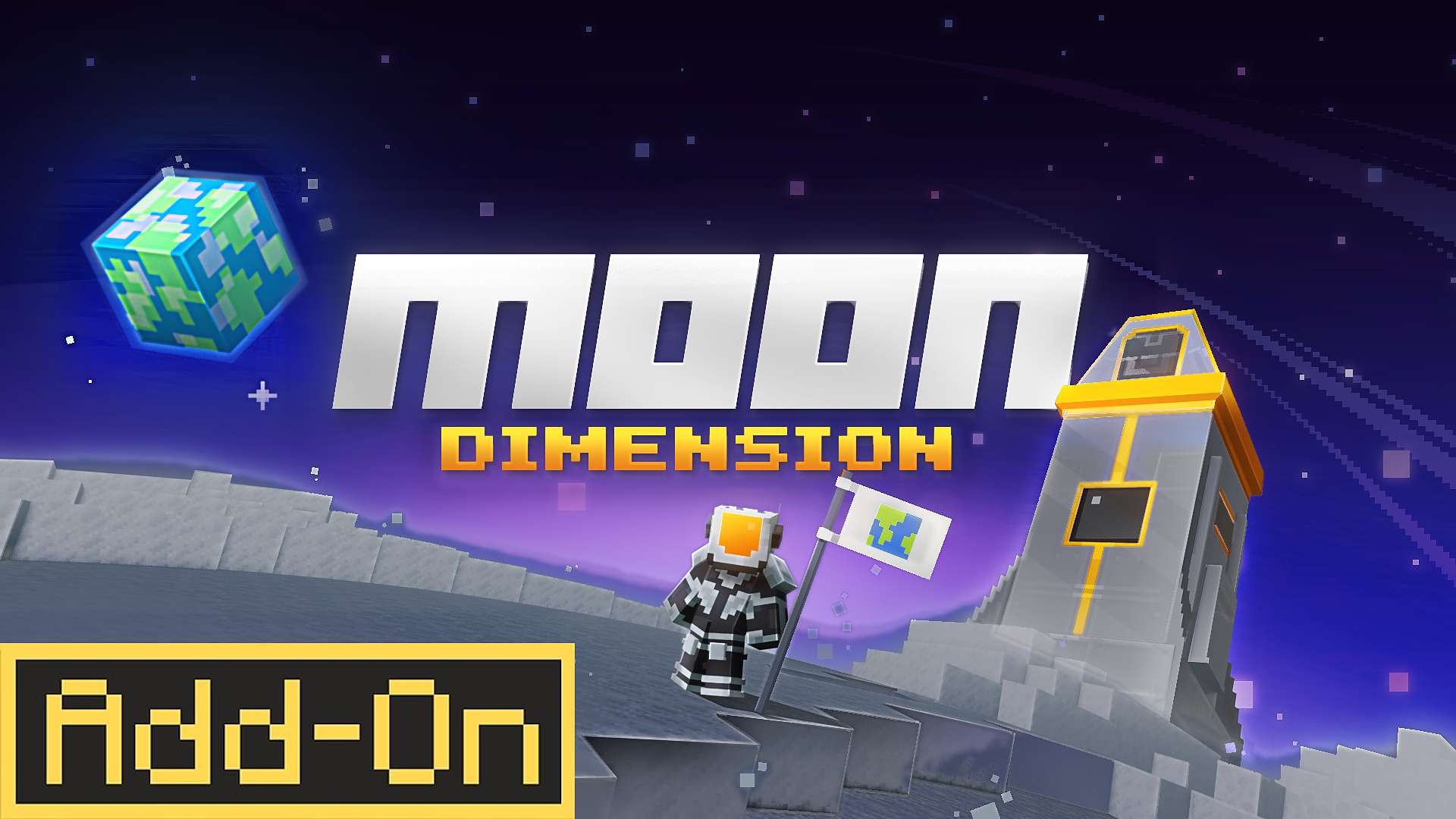
Creator guide · Minecraft Bedrock Add-On
A new dimension for Minecraft Bedrock: build a rocket in the Overworld, survive the Moon with oxygen and gravity generators, and grow a lunar base. A quick tour for creators.
The journey
Six stages, in the order players meet them. Each one is a natural chapter for a video.
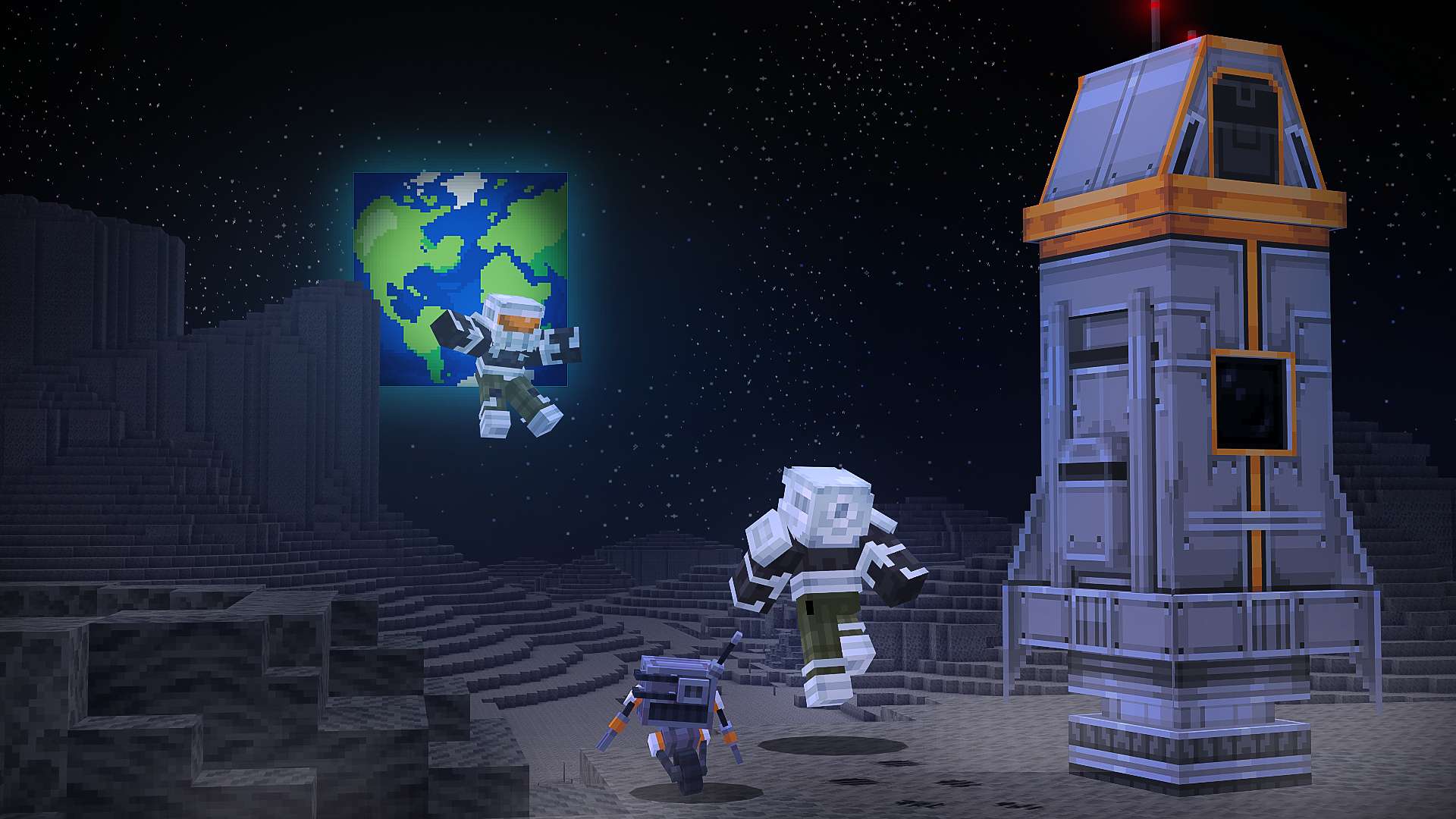
The moment you join, a Drone Companion appears at your side. Hit it to open the guide, with the full route to the Moon and every recipe. Every few seconds it also shows a quick hint above its head, so stay close and read along.
 Metal Debris
 Moon Crystal Ore
 Silver Ore
 Enriched Crystal
The adventure starts underground in the Overworld. Metal Debris hides in stone near iron and copper veins, and it is the core material for almost every piece of Moon tech. Stock up on copper, glass, gold and redstone too, because every recipe asks for plenty.
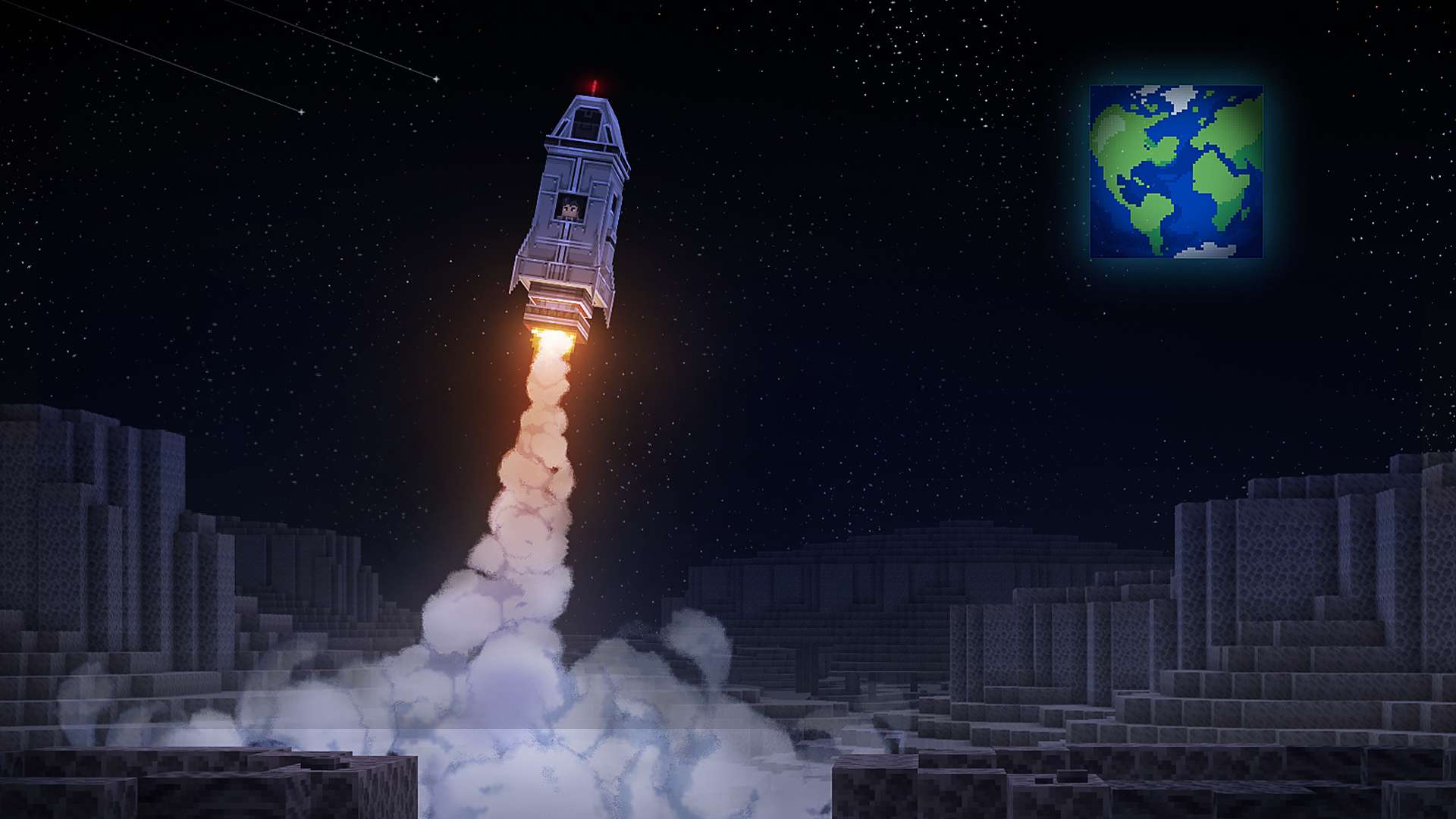
Craft a Launch Platform and place it on flat, solid ground. Then add the three rocket parts in order: Engine, Hull, Nose. Put on a full Spacesuit in the color you like, climb aboard and press jump.
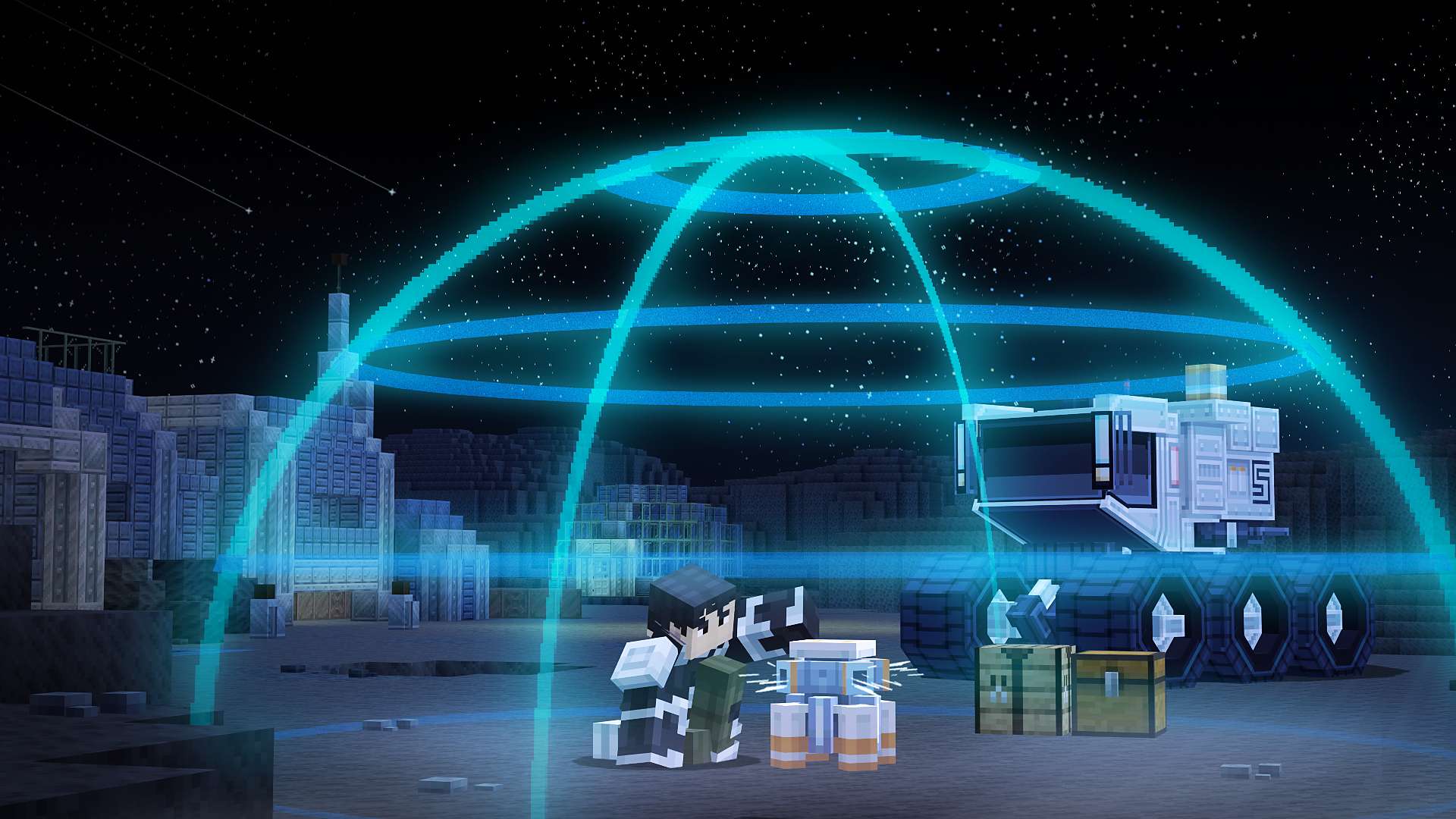
You land on the Moon's own launch platform. Up here the oxygen bar drains fast and low gravity makes every jump float. Mine Moon Crystal Ore and Silver Ore, smelt them, craft an Oxygen Generator and a Gravity Generator, switch them on, and you have a safe zone to build in.

Craft a Rover to cross the craters quickly and search old outposts for loot. Turn crystals, gold and redstone into Enriched Crystals: they fuel the Drill, power the Blaster and upgrade the generators. Keep the Laser Katana ready, because Regolith creatures roam the surface and the Queen keeps breeding more.
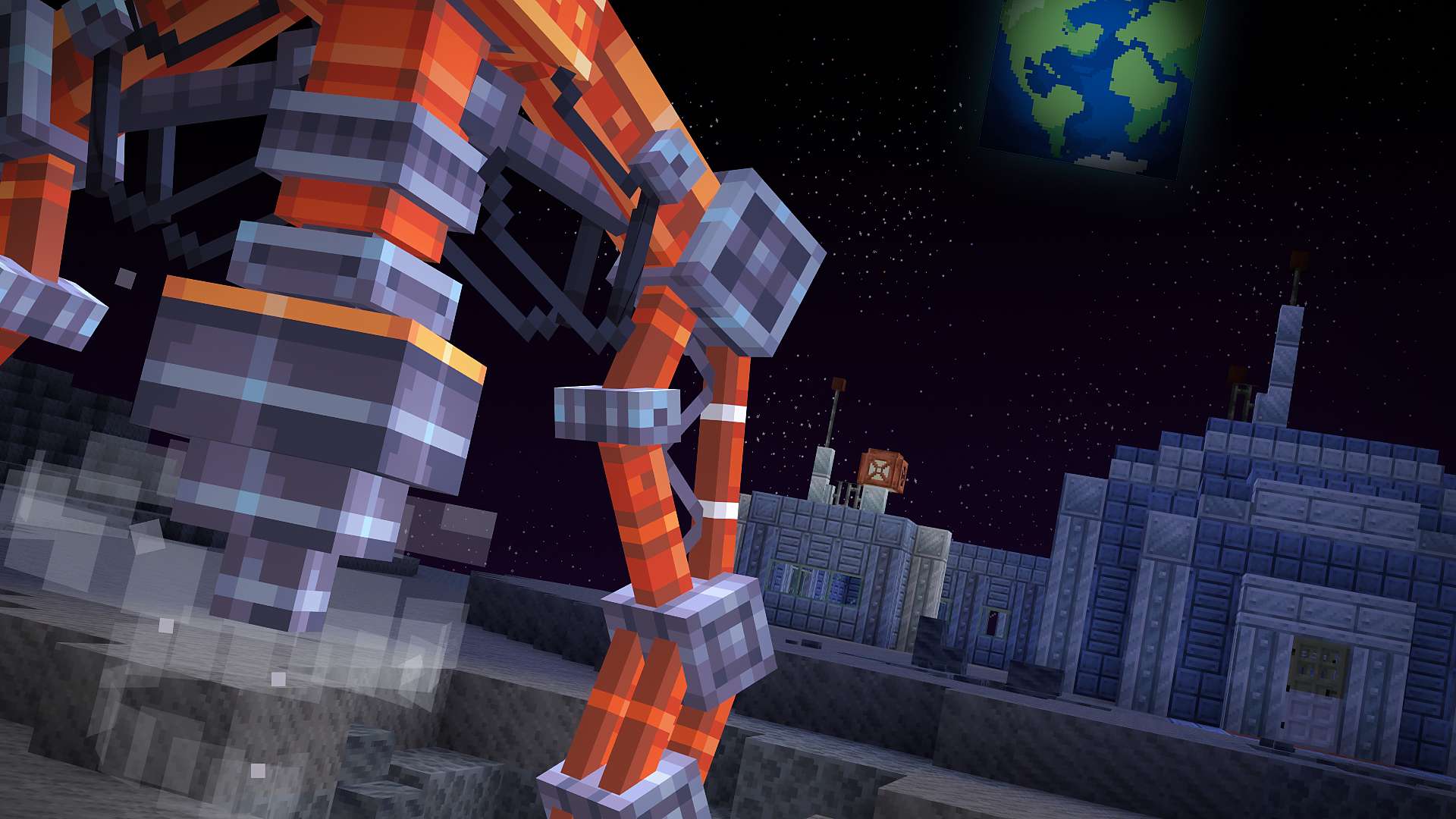
The final goal is a thriving lunar base. Upgrade the generators to double their radius, decorate with silver, metal and neon blocks, and set a Drill to mine for you. When you miss home, board the rocket and fly back to any of your Overworld platforms.
Gear and machines
Every recipe is in the Drone Companion guide in game. This is the short version.
The gateway between dimensions. Needs a solid 6x6 area below it and open space above. The rocket is assembled at its front console.


Engine, Hull and Nose, crafted from Metal Debris, copper, glass and redstone. They go on the platform in that exact order.


Helmet, chestplate, leggings and boots in six colors. Every piece extends how long your oxygen lasts.

Worn in the chest slot and charged with Moon Crystals. Hold jump in the air to boost, and it slows your fall on the way down.

A ranged energy weapon with a bright beam. Each shot draws charge from an Enriched Crystal in your inventory.

Close range, and every swing hits all enemies in a small radius. Built for Regolith swarms.

A drivable lunar vehicle. It turns, climbs ledges, jumps, and refills your oxygen slowly while you drive.

Automated mining below your base. One Enriched Crystal adds ten minutes of mining time; start and stop it from the panel.

A breathable area 25 blocks wide, 50 once upgraded. Placed switched off and activated from its panel.

Normal gravity within 25 blocks, 50 once upgraded. Same panel, same 64-crystal upgrade.
Moon Crystals, gold and a redstone block. The fuel for the Drill, the Blaster and both generator upgrades.

Glass and a Moon Crystal make two strips. Nearby pieces snap into corners and junctions on their own.
Metal and Silver pillars, Metal Panel, Tiles and Plating, Silver Grate, Tiles and Ribbing, all cut in a Stonecutter from Metal Debris or Silver Blocks, each with slabs, stairs and walls. Plus Moon Rock, Compressed Moon Rock, Moon Dust and Moon Basalt straight from the surface.
Details to show up close
Give these a second or two of camera time. Viewers notice them.
A pixel Earth hangs over every shot on the Moon. Tilt the camera up for the establishing shot.
Players leave footprints as they walk across the surface. Film a walk from behind.
Ambient moon dust drifts around players on the surface. Slow pans show it best.
The Drone Companion chirps when you hit it and shows a new hint every few seconds. Sneak-hit to pick it up and carry it.
Look at a machine, the Rover or the platform and a floating prompt shows what Interact and Hit do.
Blue, orange, pink, purple, red and yellow. Match your channel, or dress a whole crew for a group shot.
Generators hum, the drone talks, the rocket roars. Leave a few clips on game audio.
Abandoned outposts and ruins generate across the surface, with powered doors and loot chests to open on camera.
Lay Neon Lights along a wall or floor and watch them join into lines, corners and crossings.

Settings for faster capture
The Drone Companion guide has a Settings page for world operators. Together with two commands, it covers most of what you need while recording.
Jumps you and your drone between dimensions without a rocket. Needs cheats enabled. Use it for B-roll and setup, then build the rocket for the real launch shot.
/scriptevent fg_md:travel moon
/scriptevent fg_md:travel overworld
Guide, Settings, Visuals. Slide it up for wide shots of Earth and the stars. Keep your render distance at least 8 below the value, or the vanilla sun and moon can show through.
Two toggles in Visual Settings. Turn them off for clean product shots, back on for atmosphere.
Mute the Drone Companion, the Oxygen Generator or the Gravity Generator for the whole world while you narrate.
Queen Regolith and Small Regolith spawn eggs let you start a swarm exactly where the camera is.
In Creative, the platform, generators, Rover and Drill are all in the inventory. Skip the mining when you only need footage.
FAQ
Useful when you answer comments, or when you get stuck yourself.
Hit your Drone Companion. It opens a guide with the full route to the Moon and the recipe of every item. If you lost it, you can craft a new one.
Underground in the Overworld, inside stone near iron and copper veins. It has two variants that work the same in every recipe.
The platform needs a solid 6x6 area below it, with nothing blocking the space above. Add the parts in the exact order: Engine, Hull, Nose. Once all three are on, board the rocket and press jump.
Generators are placed switched off. Interact with it, press Activate, and use Show Radius to see the area it covers.
Without a helmet you last only a few seconds. A helmet gives you one minute, and each extra suit piece adds another. Oxygen refills fully inside an active Oxygen Generator and slowly while you drive the Rover.
Walk back to the landing platform at 0, 0 (the locator bar points the way), board the rocket and press jump. You can pick any fully built Overworld platform as your destination.
Thank you
Making a video is real work, and the Foxel Games team appreciates every minute you spend up there. If anything on this page is unclear, or you need extra assets, get in touch.


